

Quick answer: Most LiftMaster no-open problems come down to power or a drained backup battery, a blocked or failed monitored photo eye, a force/obstruction reversal, or a limit/position error — and the operator will usually tell you which, via a diagnostic code. You can safely check power, clear and clean the photo eyes, and replace remote batteries; control-board, limit, and entrapment-wiring work is for a technician.
First: the safe checks a LiftMaster owner can do
- Confirm power. Check the breaker and that the operator's AC power switch is ON. LiftMaster DC operators run on battery backup during an outage, but those batteries have a limited runtime and wear out over a few years.
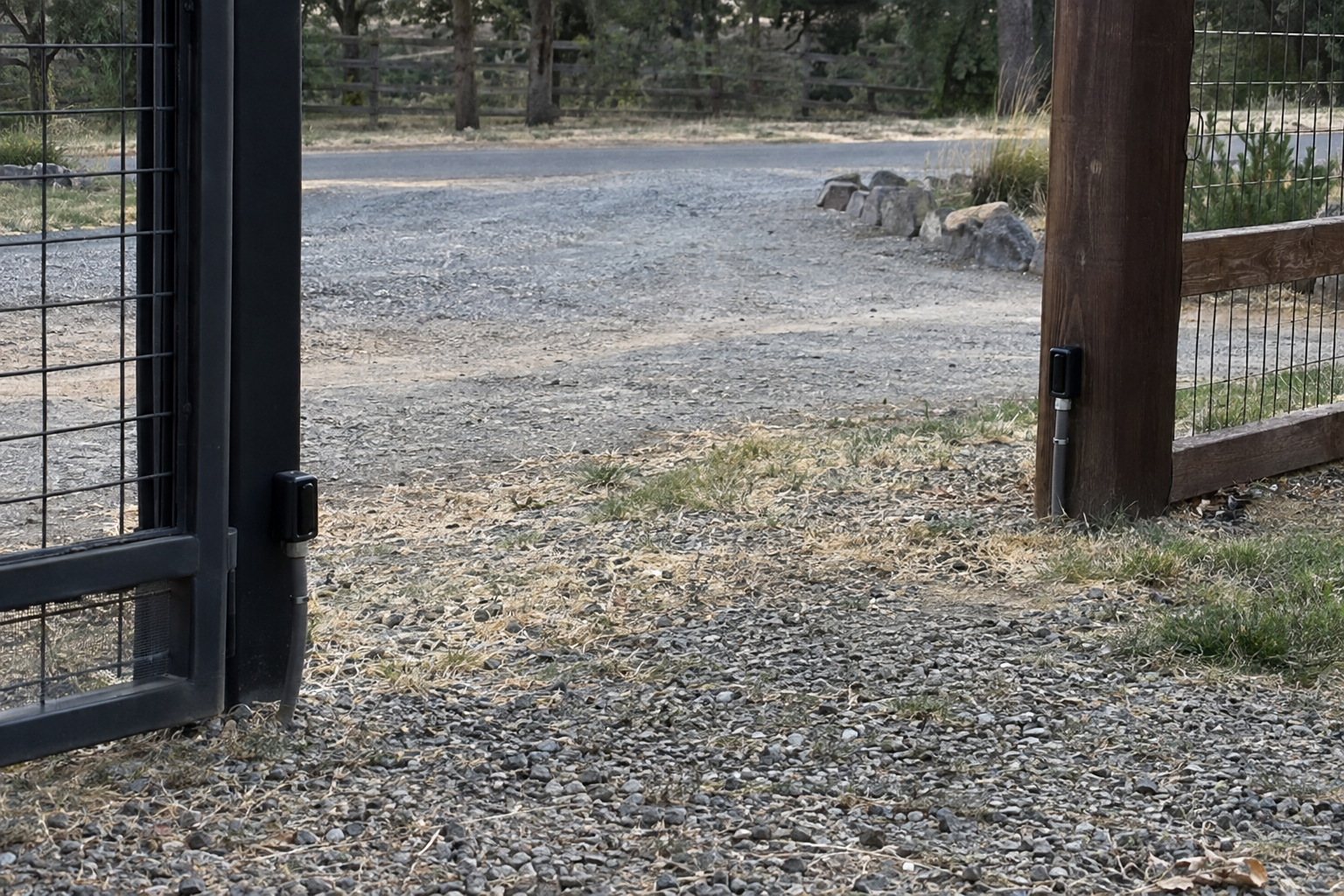
- Clear and clean the photo eyes. LiftMaster UL-listed operators ship with monitored photoelectric sensors (the LMRRU). Remove anything breaking the beam and gently wipe the lenses — but don't loosen or re-aim them; alignment is a technician's task, and a monitored sensor is required for the gate to run at all.
- Test the remote. Replace the battery and try again near the operator.
- Test your safety devices monthly. LiftMaster specifies that owners test entrapment-protection devices monthly — a good habit that catches faults before they strand you.
Never bypass or disable a safety device to force the gate to move.
Reading LiftMaster diagnostic codes
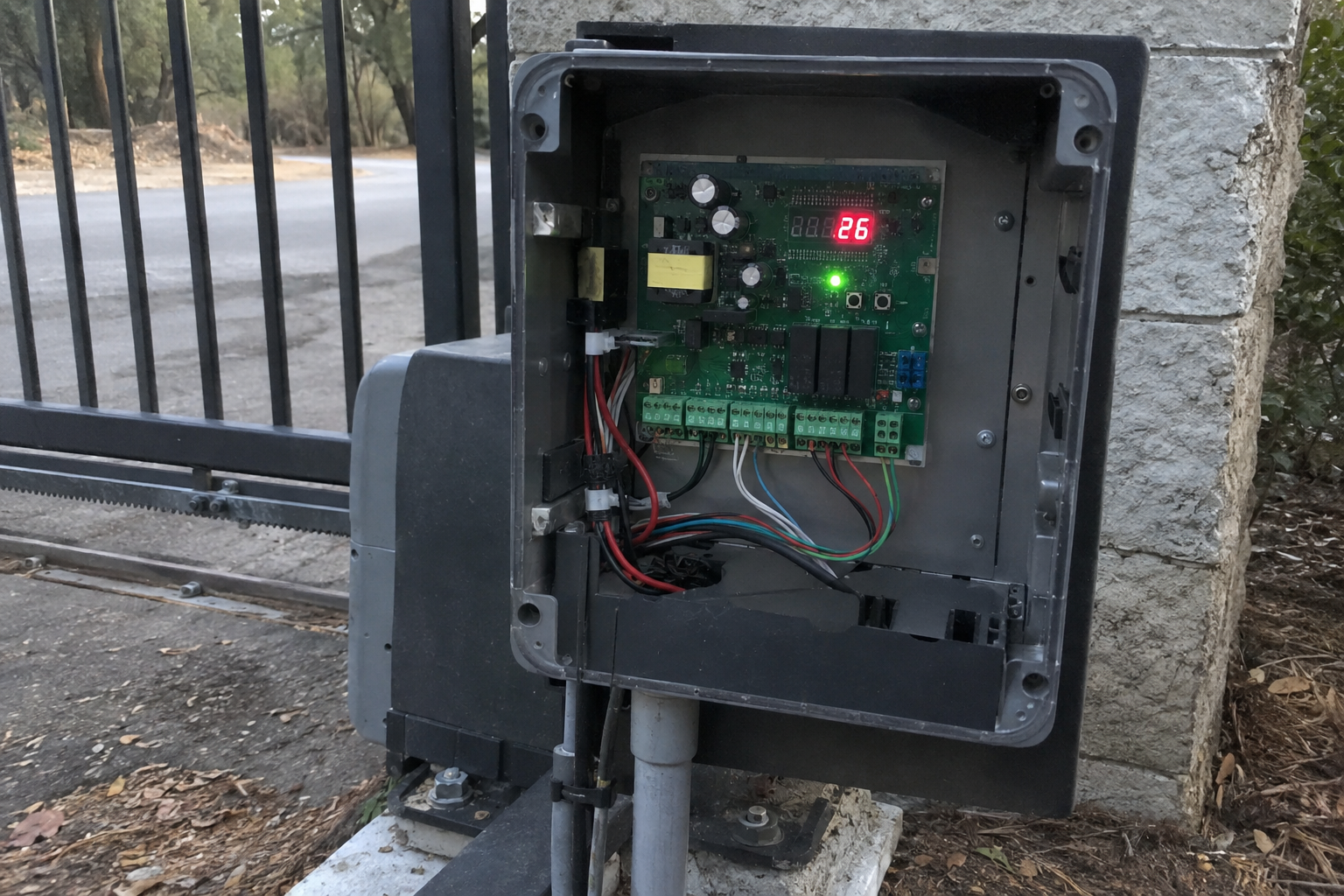
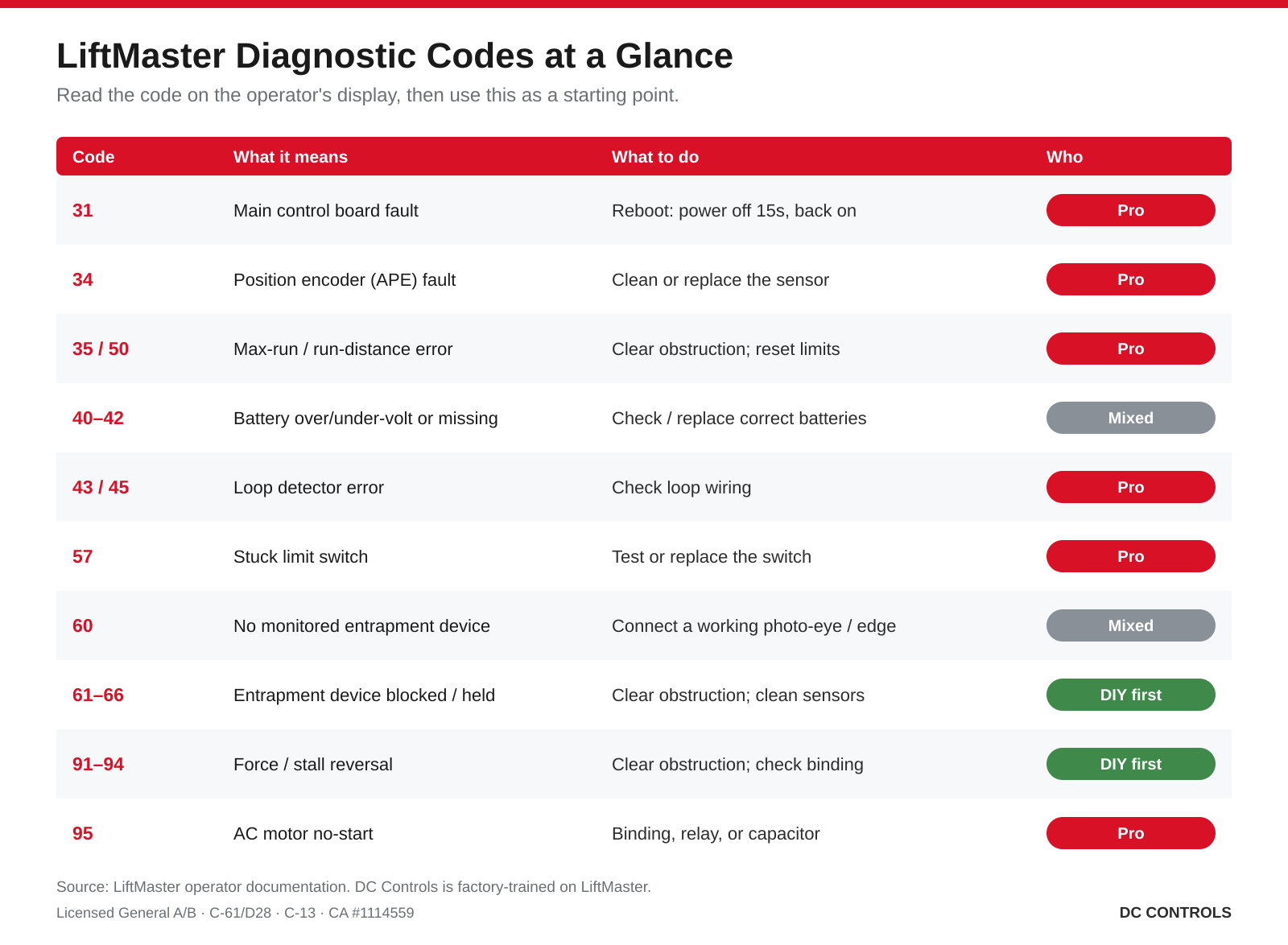
LiftMaster operators store diagnostic codes you can read on the control board's display (hold STOP, then CLOSE, then OPEN until "Er" appears, then step through with OPEN/CLOSE). The common ones:
| Code | Meaning | What it points to |
|---|---|---|
| 31 | Main board internal failure | Reboot: disconnect all power ~15 sec, reconnect; if it returns, the board needs service |
| 34 | Position encoder (APE) not responding | Sensor/wiring — a professional cleaning or APE replacement |
| 35 / 50 | Max-run-time / run-distance error | Obstruction, binding, grade, or limits need reprogramming |
| 40–42 | Battery over/undervoltage or no battery | Wrong or depleted batteries, or a charge-harness fault |
| 43 / 45 | Exit-loop / interrupt-loop error | Loop detector wiring — gate may lock open or refuse to close |
| 57 | Stuck limit switch | Switch or harness fault |
| 60 | No monitored entrapment device detected | A required photo eye/edge isn't connected — EYES/EDGE LEDs flash |
| 61–66 | Entrapment device held/blocked | Obstruction or misalignment; gate runs only on constant pressure |
| 91–94 | Force / stall reversal | Gate hit resistance and reversed — check for obstruction/binding |
| 95 | AC motor no-start | Binding, relay, or start-capacitor issue |
Codes in the 60s and 90s are the ones owners see most, and they're almost always about the safety system doing its job — clear the obstruction and clean the sensors first.
The gate reverses or won't close
A LiftMaster that opens but reverses or won't close is usually a photo-eye issue (blocked, dirty, or misaligned — codes 60–66) or a force/limit issue (codes 91–94). Clean and clear the sensors; if the code persists, the sensor alignment, wiring, or force/limit settings need a technician. Don't work around it by disabling the sensor.
Battery and power problems
If the LOW BATT indicator is on or the operator beeps, the backup battery is likely depleted or the wrong type. A charged LiftMaster backup battery reads about 12.8–13.3 V per battery. You can confirm the breaker and AC switch; battery replacement and any charge-circuit or board work should be done by a technician. On solar installs, the panel has to match your sun exposure and the gate's cycle count.
Limits and position errors
Codes 35, 50, and 57 mean the operator can't confirm where "open" and "closed" are — often an obstruction, a grade issue, a stuck switch, or limits that drifted. Reprogramming limits correctly (and safely) is a job for someone who knows the model; done wrong, it affects how the gate senses obstructions.
MyQ or app not connecting
For connected LiftMaster gates, check that the internet gateway's green LED is solid, that the operator is in range, and power-cycle the gateway. Common MyQ errors: 223 (gateway offline), 304 (device not connected), 308 (device not responding), 310 (device already on another account). More on connected gates in smart gate troubleshooting.
When to call a professional
Call a technician for a control-board fault (code 31), a position-encoder fault (34), motor or capacitor failure (95), limit reprogramming, or any entrapment-device wiring. DC Controls is factory-trained on LiftMaster and services any make or model — see gate motor & opener repair and Sacramento gate repair. As a licensed General Engineering (“A”) and General Building (“B”) contractor — also holding the C-61/D28 (Doors, Gates & Activating Devices) and C-13 classifications under CA License #1114559 — we handle the electrical and control-wiring work in-house, no subcontractors.
Frequently asked questions
What does Code 60 mean on a LiftMaster gate operator?
It means the operator doesn't detect a required monitored entrapment-protection device (a photo eye or edge). The EYES/EDGE LEDs flash and the gate won't run until a monitored device is connected and working — often a disconnected or failed sensor.
How do I reset a LiftMaster gate opener?
For a general reset, disconnect all power (AC and battery) for about 15 seconds, then reconnect (this clears a code-31 internal glitch). Resetting or reprogramming the travel limits is a separate, model-specific procedure best left to the manual or a technician.
Why does my LiftMaster gate opener keep beeping?
Beeping usually signals a low backup battery or a held/blocked entrapment device. Check the battery and clear/clean the photo eyes; if it continues, have the sensors and battery circuit checked.
How do I test the photo eyes?
With the gate closing, wave an object through the beam — the gate should stop or reverse. LiftMaster recommends testing entrapment devices monthly. If it doesn't respond, don't disable the sensor; have it serviced.
Still stuck with a LiftMaster gate?
If the code points to the board, motor, limits, or entrapment wiring, that's our work. DC Controls is factory-trained on LiftMaster — request service or an estimate.


